Services and community
Reserve a service
Book available facilities, such as courts or pools, according to the rules of your place.
The original PDF and reference app screenshots are in Spanish.
Step by step
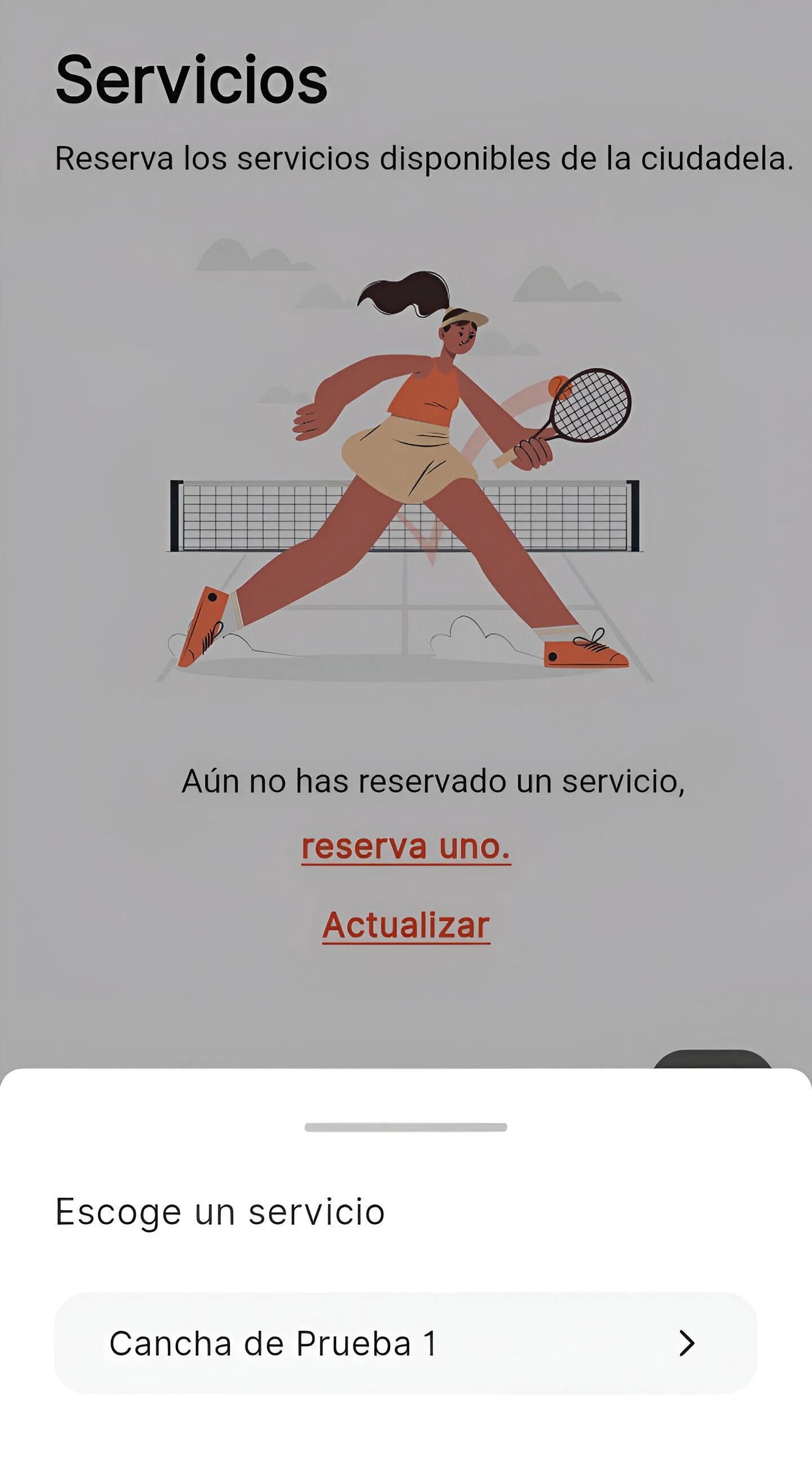
Open Services
Enter your place and select Services in the bottom menu.
Choose a facility
Tap Book one or the + button and select an available service.
Read the conditions
Review the rules, capacity, schedule, duration, and any costs defined for that facility.
Select a date and time
Use the calendar to select time slots. The manual specifies that multiple slots must be consecutive.
Enter the number of guests
Set the number of people without exceeding the maximum allowed.
Confirm the booking
Review the information and tap Book.