Places and access
Use your access QR code
Open the personal access QR code for the place you want to enter.
The original PDF and reference app screenshots are in Spanish.
Step by step
Select the place
In Registered places, tap the icon or card for the appropriate site.
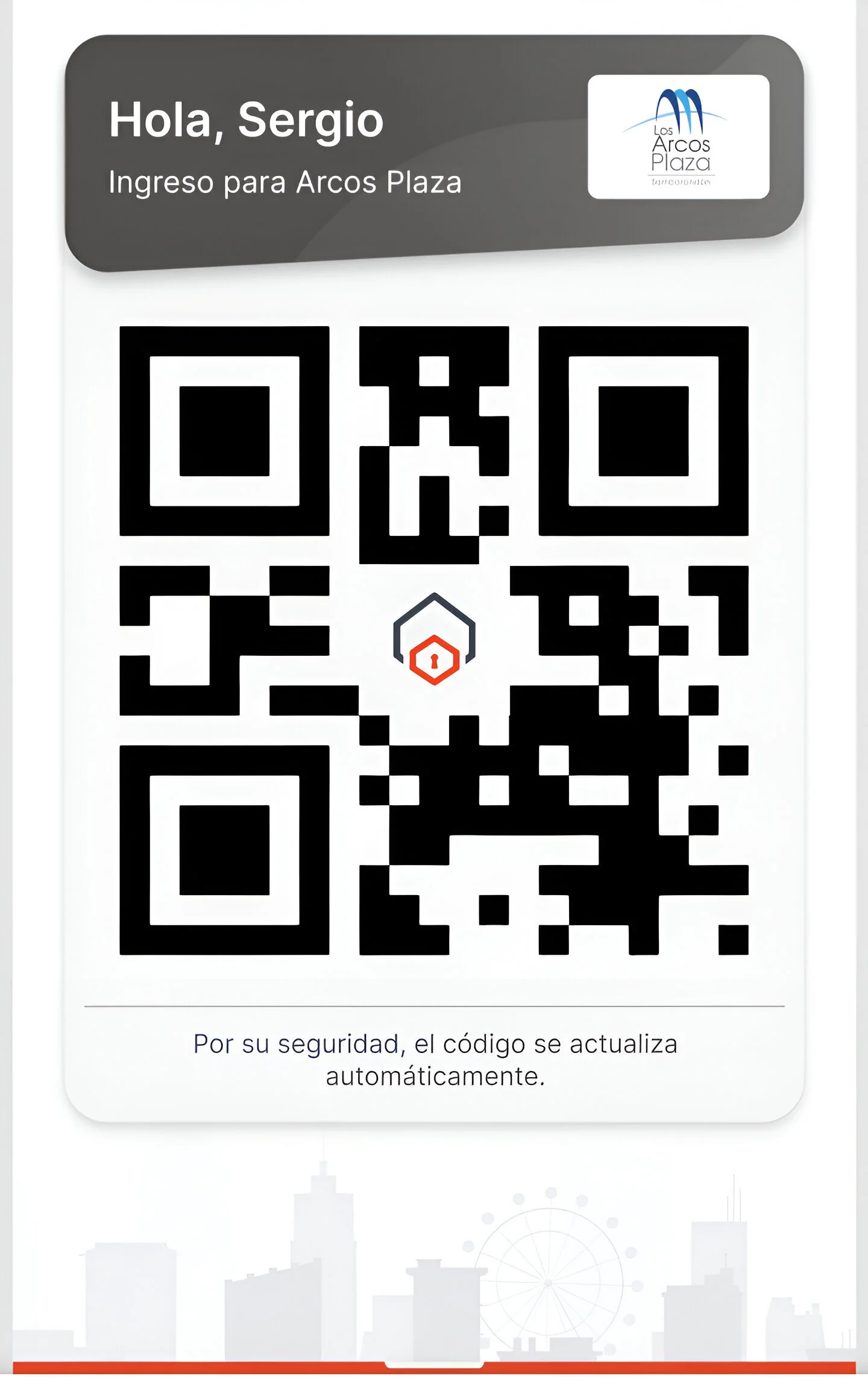
View your QR code
Pinlet displays the personal code associated with that place.
Present the code
Use the QR code at the authorized access point for validation.
Original manualPage 7 ↗