Places and access
Add a place or property
Request access to a residential community, business, or another available place.
The original PDF and reference app screenshots are in Spanish.
Step by step
Tap the + button
You will find it on the Registered places screen.
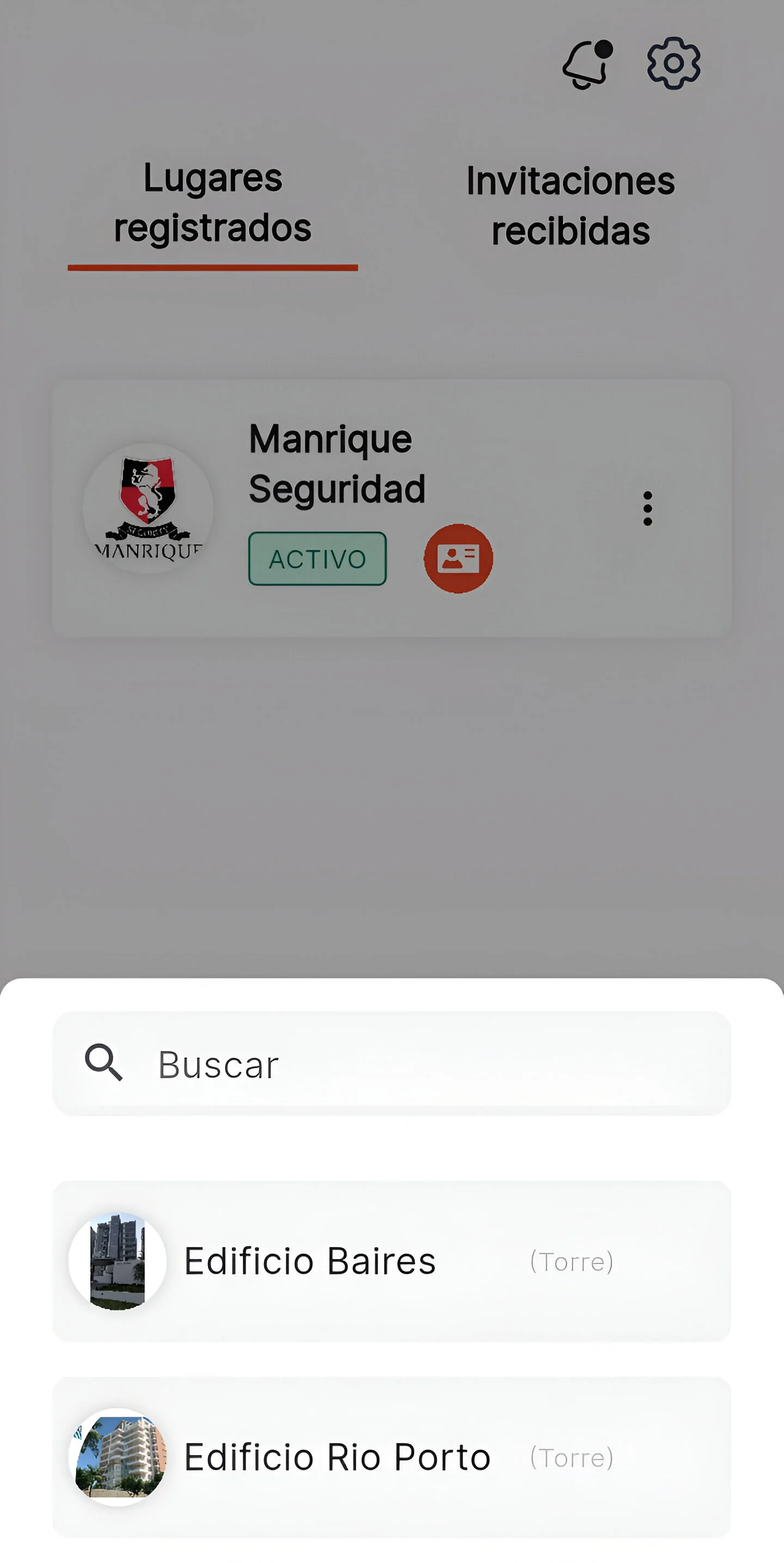
Search for the place
Enter its name in the search field and choose the correct result.
Send your request
Add the place and wait for its administration to validate and approve access.
Original manualPage 7 ↗