Invitations
View received invitations
Access the invitations that other people have shared with your Pinlet account.
The original PDF and reference app screenshots are in Spanish.
Step by step
Return to the main screen
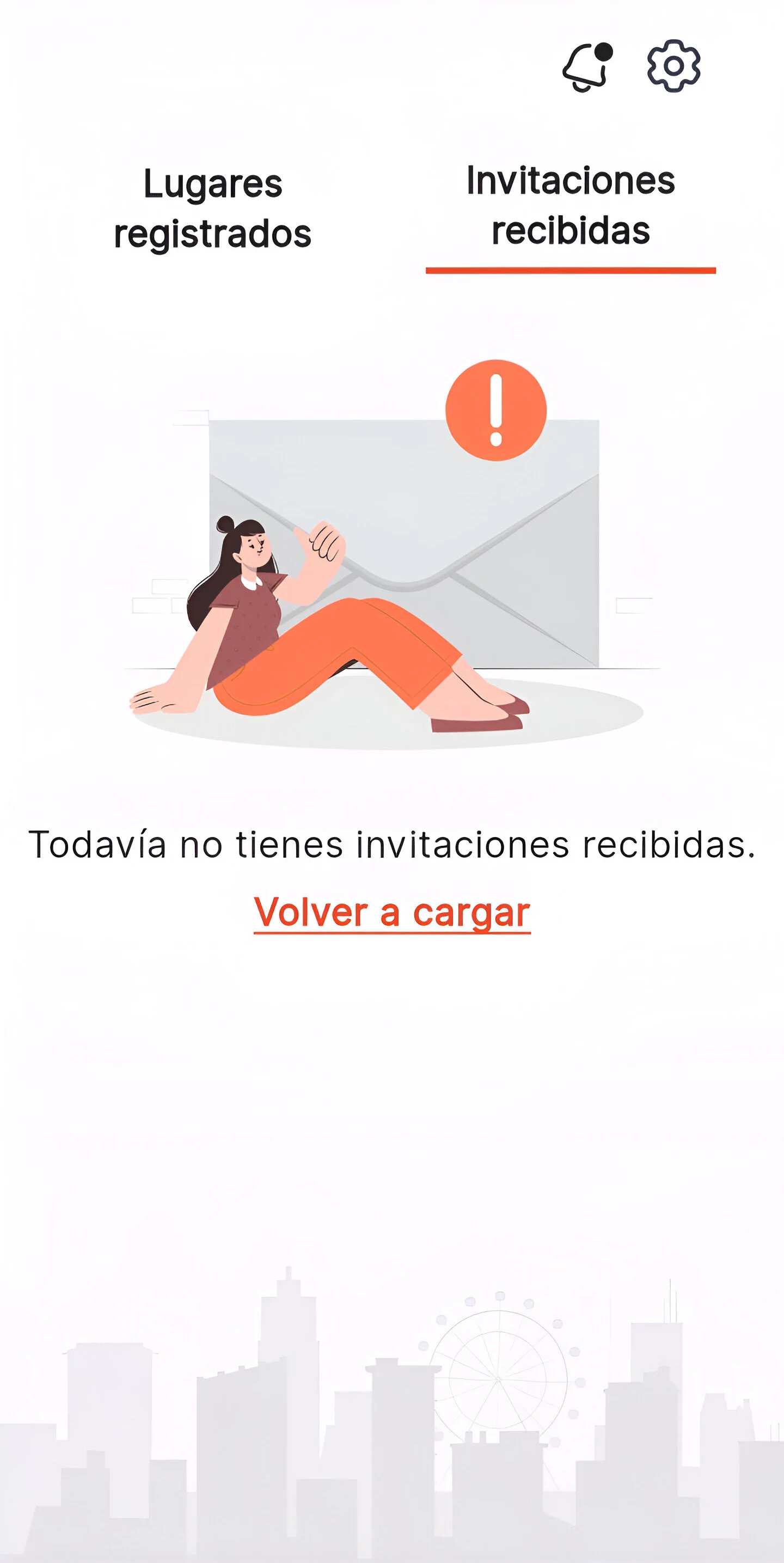
From the places view, select Received invitations.
Review your invitations
Check the authorizations granted to you and open the one for the place you want to visit.
Original manualPage 5 ↗