Profile and activity
Explore your profile
Find your activity, permissions, and available tools within a registered place.
The original PDF and reference app screenshots are in Spanish.
Step by step
Open the place
Select a registered site.
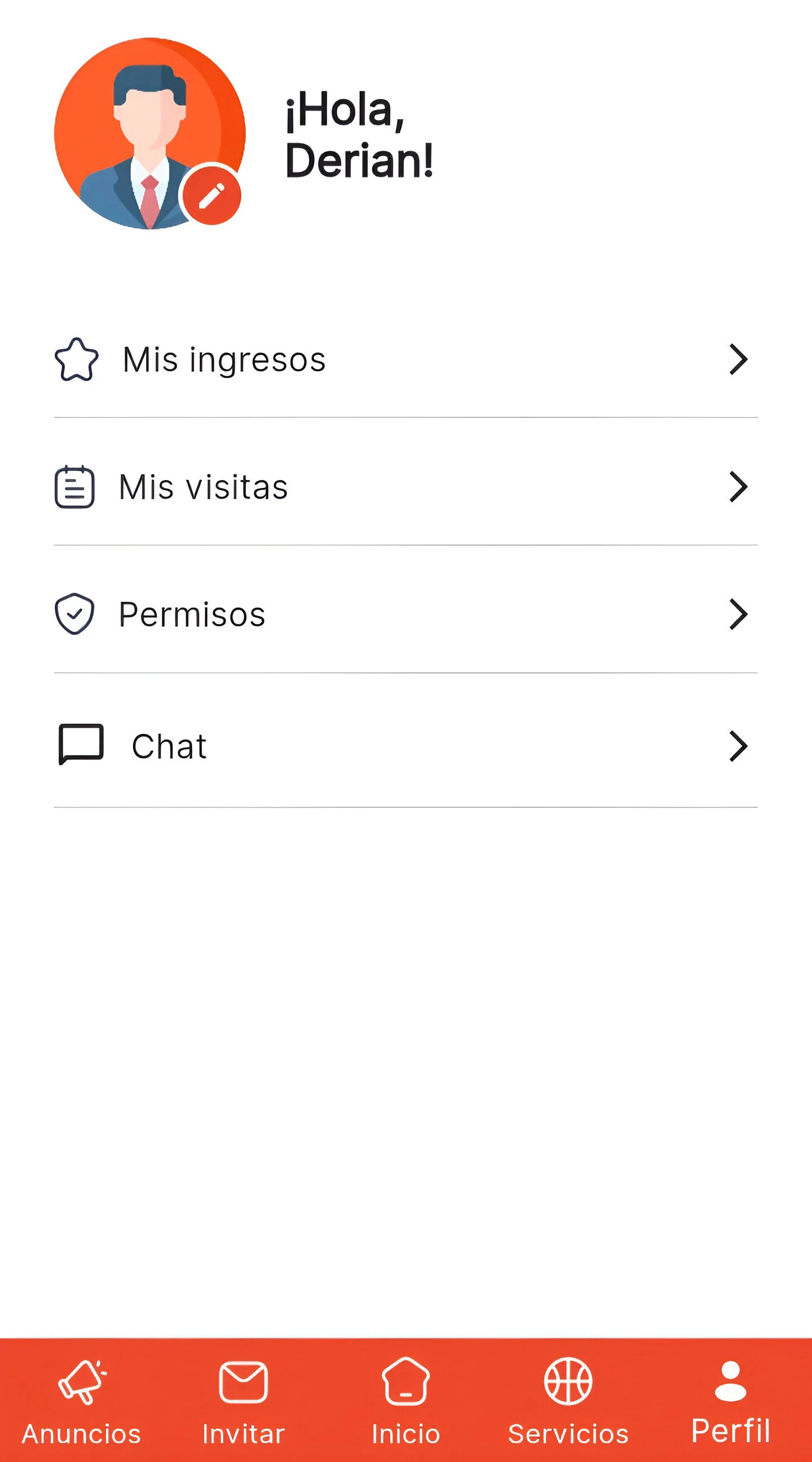
Tap Profile
Open this option in the bottom menu.
Review the available features
Find My entries, My visits, and Permissions. Depending on your authorization, Scan, Check-In, or Tracking may also be available.
Notifications and settings
Use the options at the top to access notices and settings.
Permissions
Review your enabled app permissions. Contact the administration of the place if you need an additional permission.
Original manualPage 12 ↗