Getting started
Create a Pinlet account
Register in the app using your personal details and contact information.
The original PDF and reference app screenshots are in Spanish.
Step by step
Open the app
On the welcome screen, tap Sign up (Registrate in the Spanish interface).
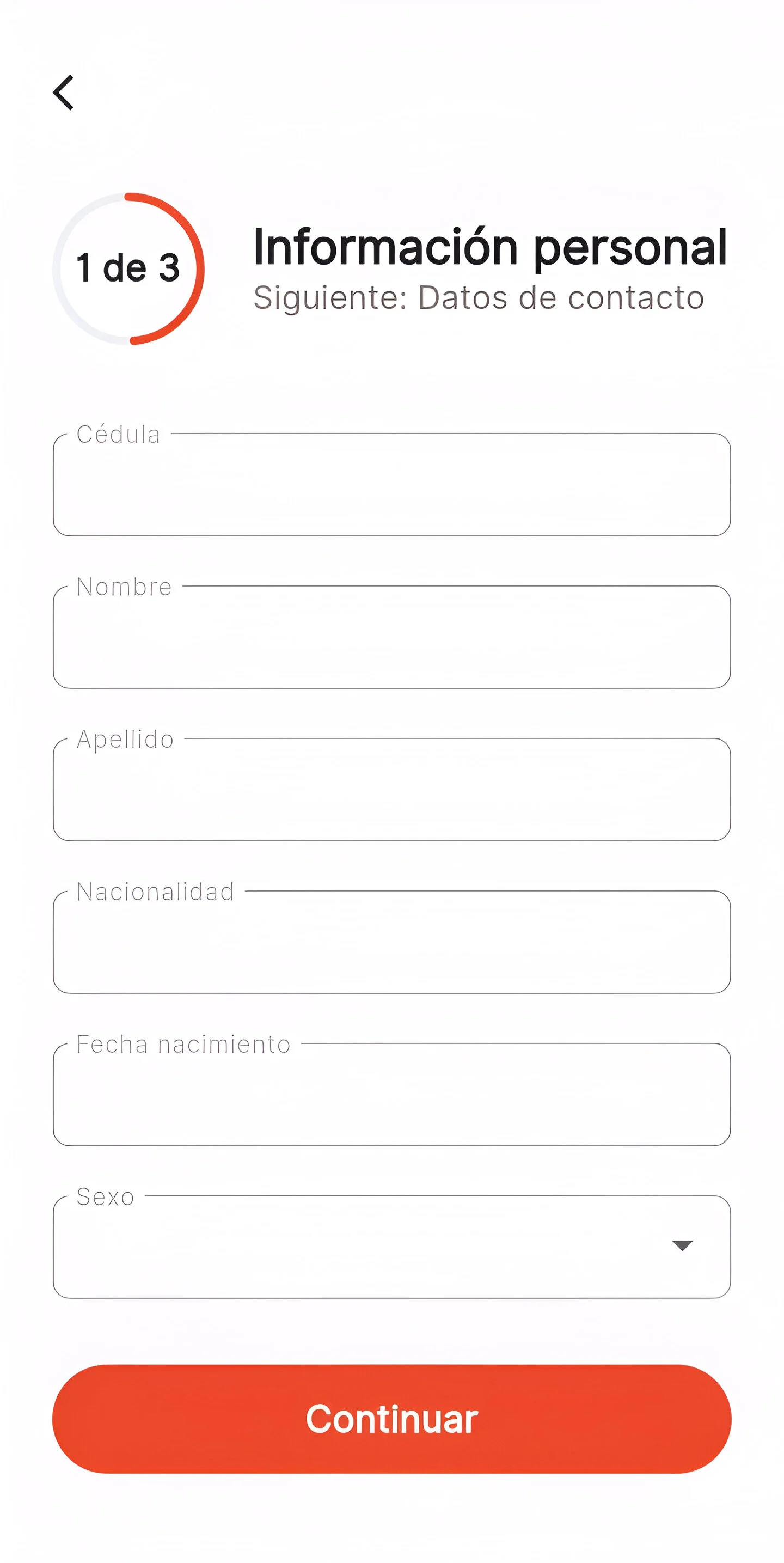
Enter your personal details
Provide your identity document, first and last names, and the other requested information.
Add your contact information
Enter your email address and mobile number, including the correct country code.
Set your password
Enter and confirm a secure password. Review and accept the policies and terms to finish.
Original manualPage 4 ↗