Getting started
Recover your password
Restore access to your Pinlet account when you cannot remember your password.
The original PDF and reference app screenshots are in Spanish.
Step by step
Select Forgot my password
This option is below the password field.
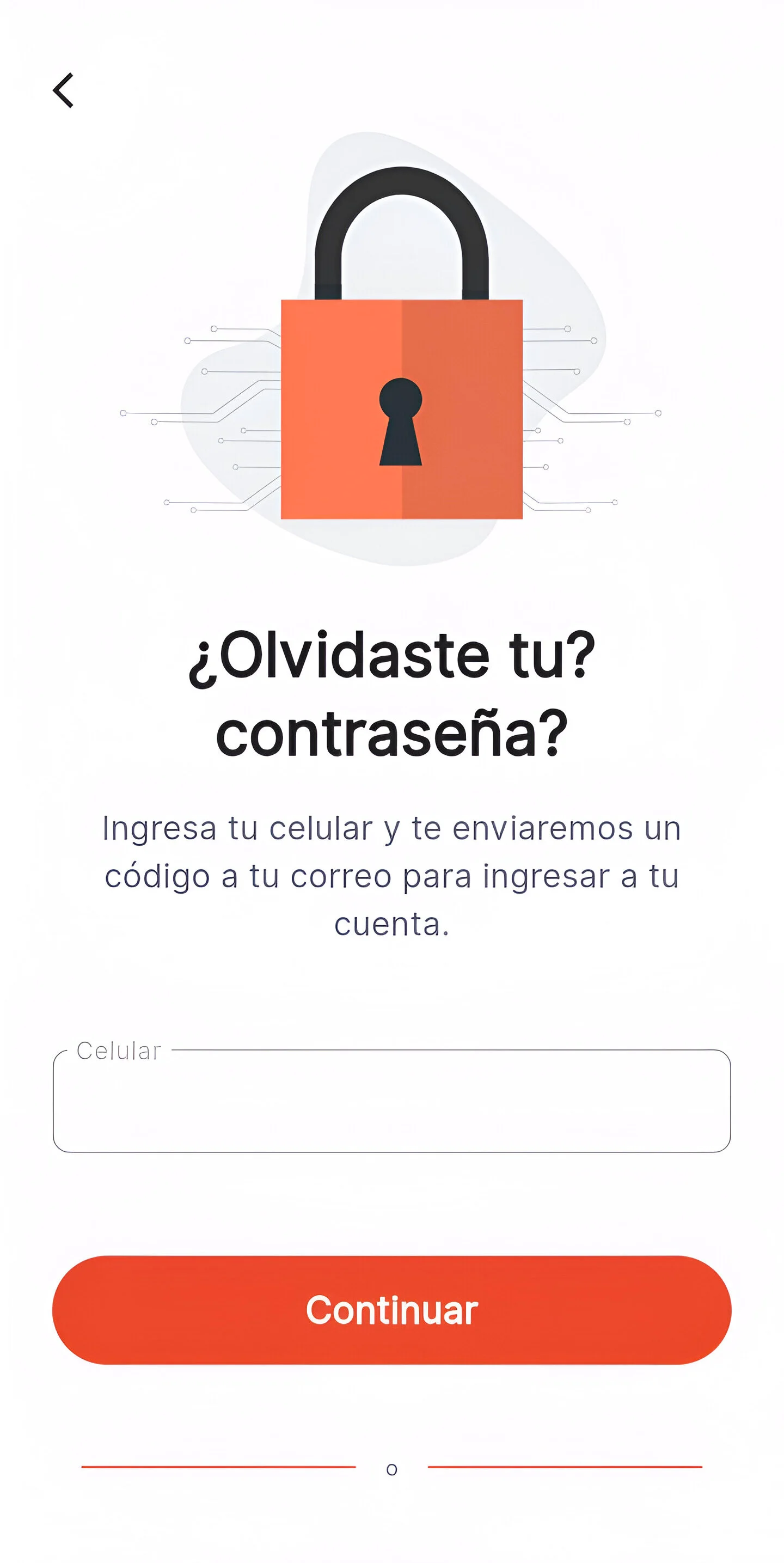
Identify your account
Enter the registered mobile number, including the country code, and continue.
Verify the OTP code
Check the email address linked to your account, enter the code you receive, and follow the recovery instructions.
Original manualPage 4 ↗